
How to send dash cam footage to the police in the UK
Affiliate Disclosure: As an Amazon Associate we earn from qualifying purchases. This doesn't affect our editorial independence — every recommendation is based on genuine research and analysis.
This page contains Amazon affiliate links. If you buy through them we may earn a small commission at no extra cost to you.
To report bad driving you caught on a dash cam, go to your local police force's website and find its dash cam or Operation Snap upload page, or use the National Dash Cam Safety Portal, which routes you to the right force. Upload the original clip, give the date, time, place and the other vehicle's registration, and agree to give a witness statement. Do it quickly. Most forces ask for footage within seven to ten days, because of a 14-day deadline police work to. A collision is different, and is covered further down.
Step by step
1. Save the clip before the loop overwrites it. Every dash cam records in a loop and deletes the oldest files when the card fills. Press the event or protect button at the time, or as soon as you can stop safely, and copy the file off the card that evening. On a busy van with a 32 GB card, an unprotected clip can be gone in a few hours of driving.
2. Find the right force. It is the force where the incident happened, not where you live. If you were on the M6 in Staffordshire and you live in Cheshire, it goes to Staffordshire. The National Dash Cam Safety Portal, set up by Nextbase, lists the forces that take submissions through it and sends you to them. Forces that run their own system, often under the Operation Snap name that started with North Wales Police, have a page on their own site.
3. Check what the force wants. Most ask for the whole incident with roughly a minute either side, as an unedited file. Do not trim it, add text, blur anything or speed it up. Do not post it on social media first. Defence solicitors use edited or published clips to argue the evidence has been tampered with or the driver has been prejudged.
4. Fill in the form. Date, time, road, direction of travel, the other vehicle's registration, make and colour, what happened and where in the clip it happens. Some forms ask for the timestamp to the second. Then you complete a witness statement, which is your account in your own words and carries a declaration that it is true.
5. Wait. Trained staff review the footage. Outcomes range from no action, through a warning letter or a driver improvement course, to prosecution. You may not hear what happened. If it goes to court and the driver pleads not guilty you can be asked to attend as a witness, possibly at a court a long way from home.
Why the deadline is so tight
For many driving offences, including speeding, careless driving, dangerous driving and going through a red light, police have to send a Notice of Intended Prosecution to the registered keeper within 14 days. The police need time to review your clip, trace the keeper and post the notice, so a report filed on day twelve is often too late to act on. Forces set their own upload windows, commonly seven or ten days. Some offences, mobile phone use among them, do not need the notice, but report them quickly anyway.
What gets reported
Close passes on cyclists and motorcyclists, phone use at the wheel, red lights, dangerous overtakes, tailgating, undertaking on the motorway, careless lane changes and driving through a closed lane. Speeding is hard to prove from a dash cam alone, and a speed shown on your own camera tells the police what you were doing, not the other driver.
That last point matters. Reviewing staff look at the whole clip. If your speed overlay shows 46 in a 30 while you film someone else's overtake, you have reported yourself. Check your own driving in the clip before you send it.
If there was a collision
The online portals are for offences where nobody was hurt and no vehicle was hit. If you are involved in a collision that causes injury or damage, the law requires you to stop and exchange details, and if you do not exchange them at the scene you must report it to the police in person as soon as you can, and within 24 hours. If someone is injured or a driver fails to stop, ring 999. For a collision with no injuries, the force's online collision report or 101 is the route, and your footage goes in as part of that report.
Your insurer will also want the clip. Most insurers have an upload link or email address for dash cam evidence and will ask for it when you make the first call. Send them the same original file. It is often the thing that turns a 50/50 split into a clear claim against the other driver, which is the main reason most van drivers fit a camera at all.
A camera that makes this easier
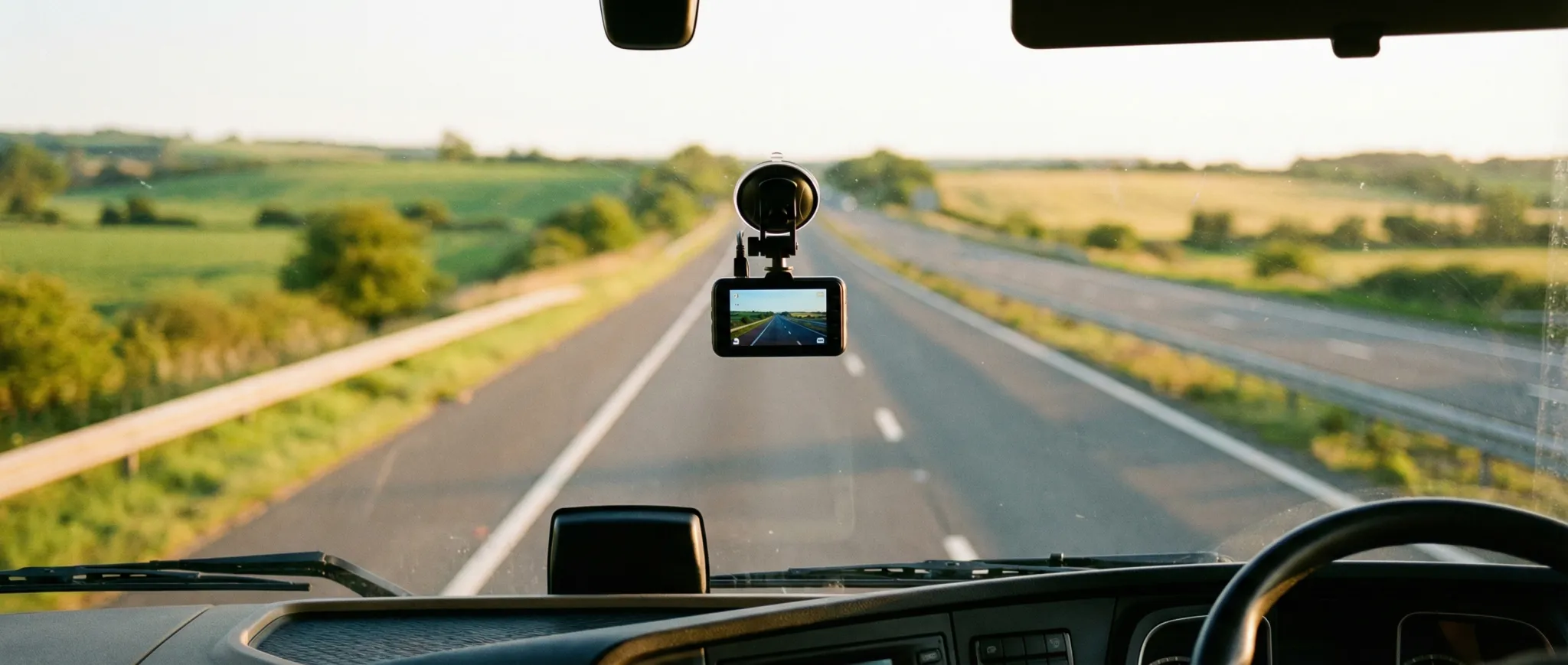
You do not need anything special. Any camera that records a readable number plate will do. Front and rear helps, because a lot of what happens to vans happens behind them. Built-in GPS puts the location and time on the file, which saves you working out where you were. Phone app download means you can save a clip from the cab without pulling the card.
The Nextbase 622GW, around £250, comes from the company that set up the portal. It records 4K with image stabilisation, according to Nextbase, which helps with plates on a bumpy road. The Nextbase 222XR, around £120, is front and rear at 1080p for about half the money. The Viofo A129 Pro Duo, around £170, has 4K at the front, GPS and Wi-Fi download, and owner reviews rate its plate detail highly. Our dash cams for van drivers list has the rest, the front and rear van dash cam guide covers rear cameras on vans with no back window, and the guide for self-employed drivers covers insurance and parking mode.
Scotland and Northern Ireland
The portal and Operation Snap schemes are mainly England and Wales. Police Scotland and the PSNI handle footage their own way, so check their websites for how they want third-party footage submitted, or ring 101 and ask before you send anything.
Frequently asked questions
How do I send dash cam footage to the police?
Go to the website of the police force where the incident happened and use its dash cam or Operation Snap upload page, or start from the National Dash Cam Safety Portal, which routes you to participating forces. Upload the original unedited clip, give the date, time, location and registration, and complete a witness statement.
How long do I have to report a driver with dash cam footage?
Report within a week if you can. Many forces set an upload window of seven or ten days, because for offences such as careless driving and red lights the police must send a Notice of Intended Prosecution to the registered keeper within 14 days. Footage that arrives late is often unusable for those offences.
Will I have to go to court if I send dash cam footage?
Possibly. When you submit footage you sign a witness statement, and if the driver contests the case you can be asked to give evidence. Most cases end with a warning, a course or a guilty plea, so court is the exception. The court will be in the area where the offence happened, which may be far from home.
Can I post dash cam footage on social media and report it too?
Report it first and do not post it. Police forces ask for footage that has not been edited or shared online, because publishing it can be used to argue the driver cannot get a fair hearing. Posting a clip with a readable plate and an accusation can also expose you to a complaint, even when you are right.
Should I send dash cam footage to my insurer after a crash?
Yes. Tell your insurer you have footage on the first call and send the original file through their upload link or email. Clear footage of who was at fault often settles liability quickly and can stop a claim being split 50/50. Keep a copy of the file yourself in case it is needed later.
Top picks: Dashcams for Van Drivers
Ranked from our research and cross-referenced buyer reviews. Prices change, so check the current price on Amazon.



Related Reviews
Browse All Dashcams
13 products reviewed with buying guides
Affiliate Disclosure: As an Amazon Associate we earn from qualifying purchases. This doesn't affect our editorial independence — every recommendation is based on genuine research and analysis.